Resell SKU Process
· One min read


Inward Resell SKUs in Medica Software
After a normal return order is resolved, SKUs can be inwarded in the Medica software. To retrieve the list of resell SKUs, follow these steps:
tip
Use the power of React to create interactive blog posts.
- Navigate to Accounting > Debit Note > Resell SKUs.
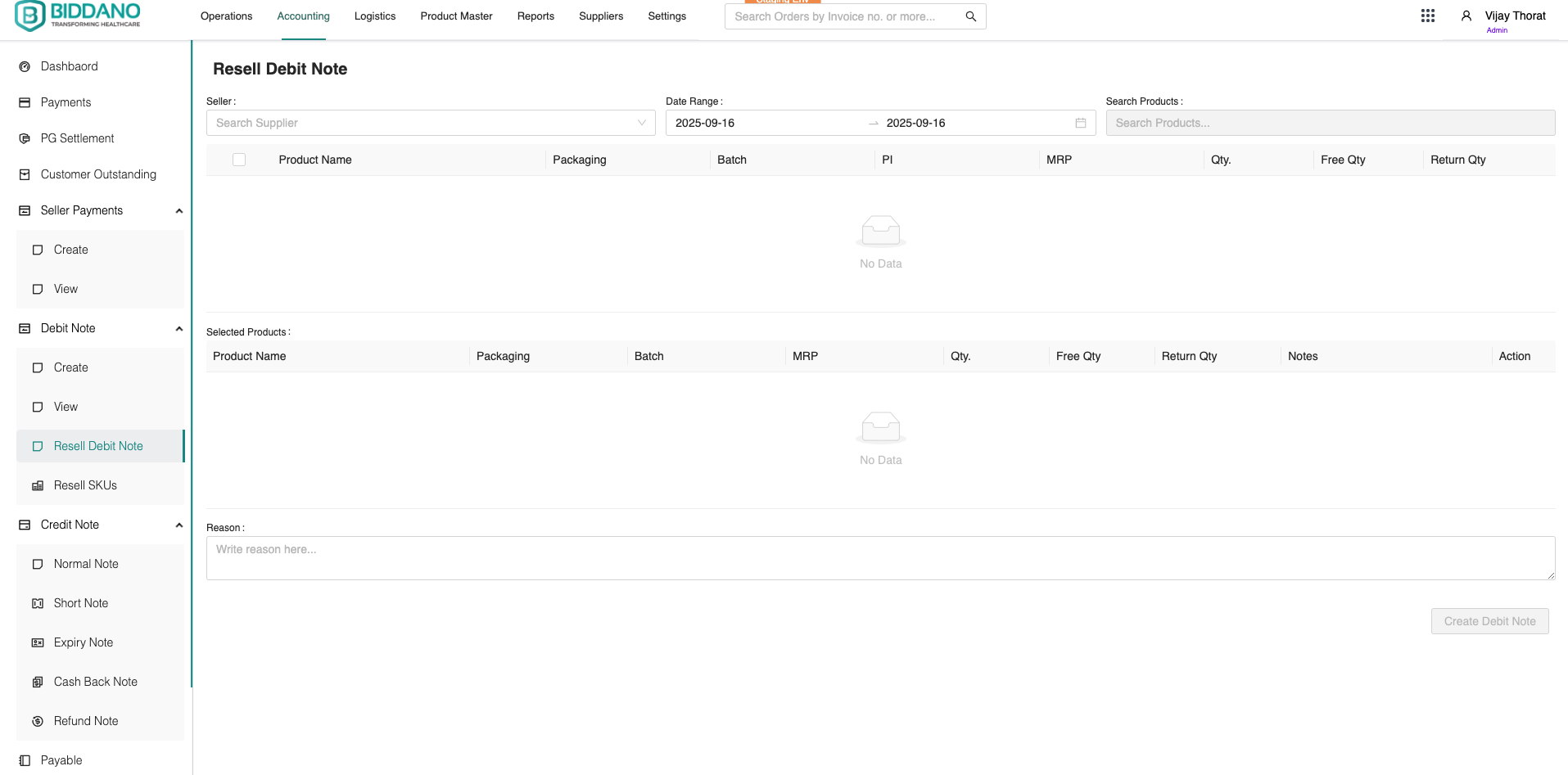
Create Debit Notes for Suppliers
If the reselling SKUs are not sold within the specified window, debit notes can be created for suppliers. To create a debit note, follow these steps:
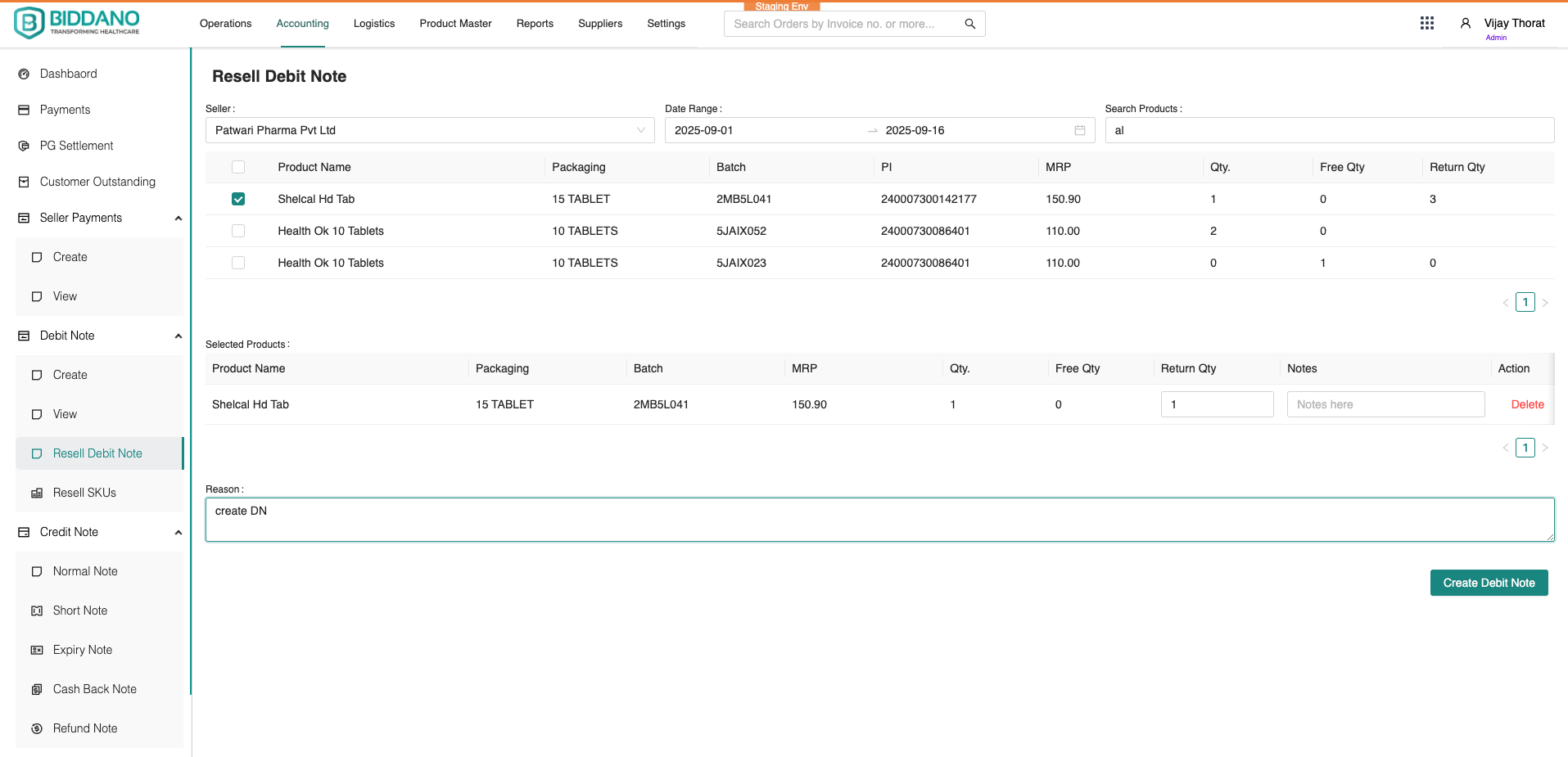
- Go to Accounting > Debit Note > Resell Debit Note.
- Select the supplier name from the Seller field.
- Choose the date range when the return order was resolved.
- Enter the product name to display the product list.
- Check the box to select the desired product.
- Enter the quantity and add notes related to the SKU (optional).
- Provide the reason for the debit note.
- Click the Create Debit Note button.
View Created Debit Notes
To view the created debit note, follow these steps:
- Navigate to Accounting > Debit Note > View.